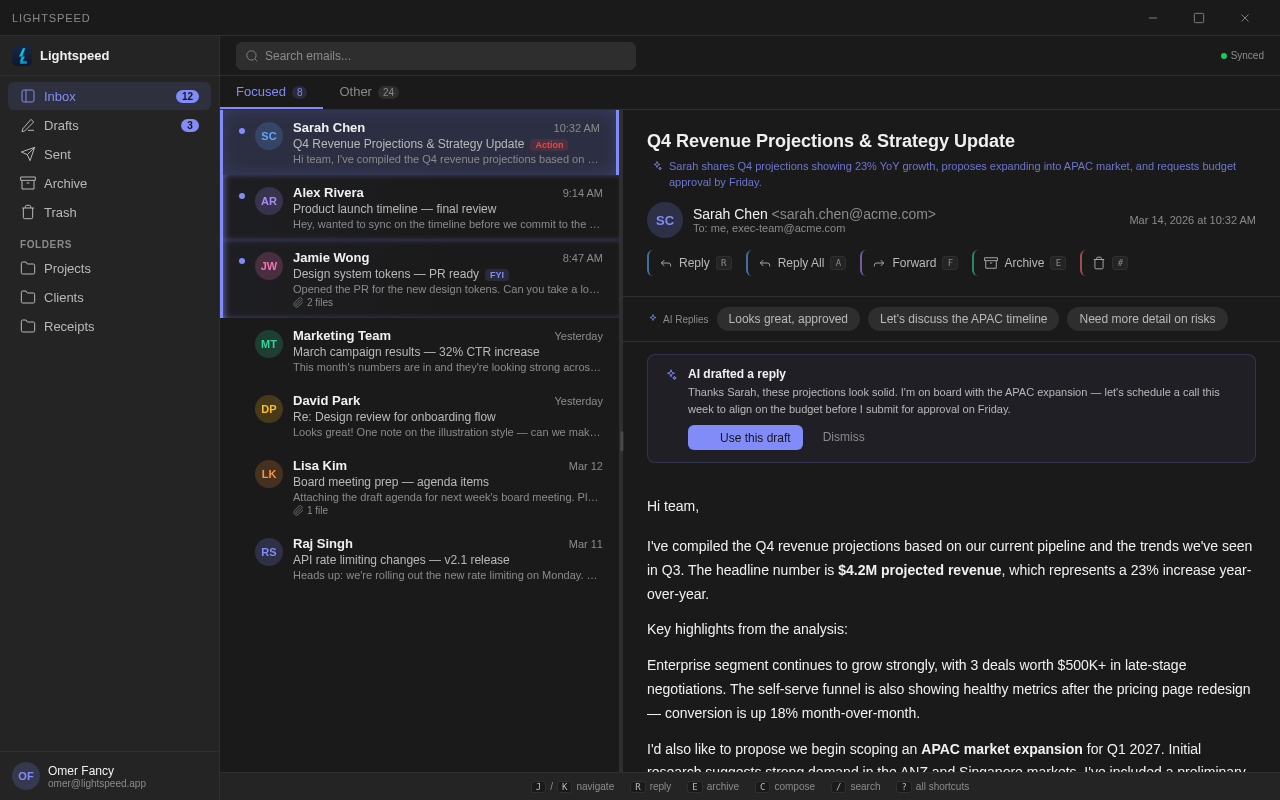
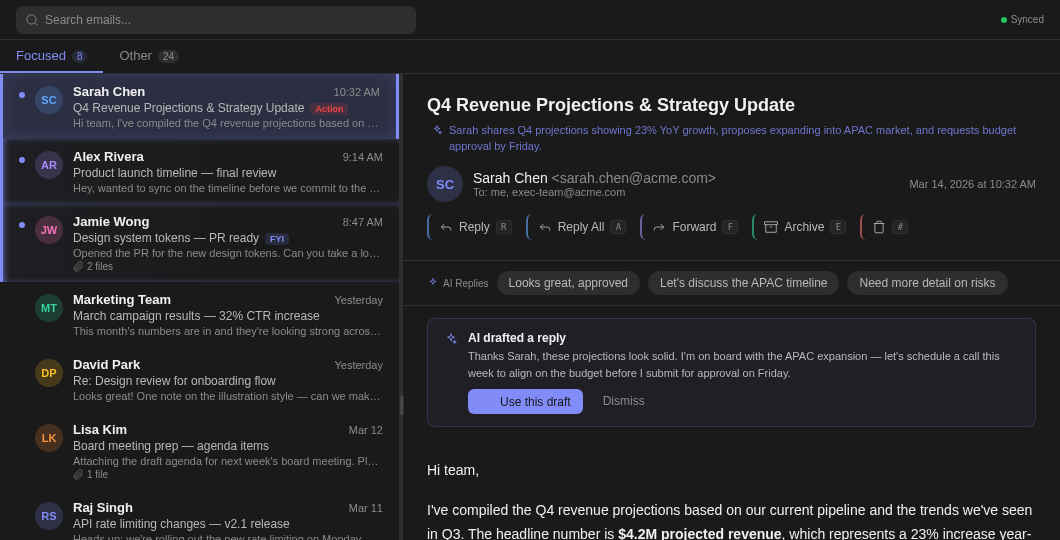
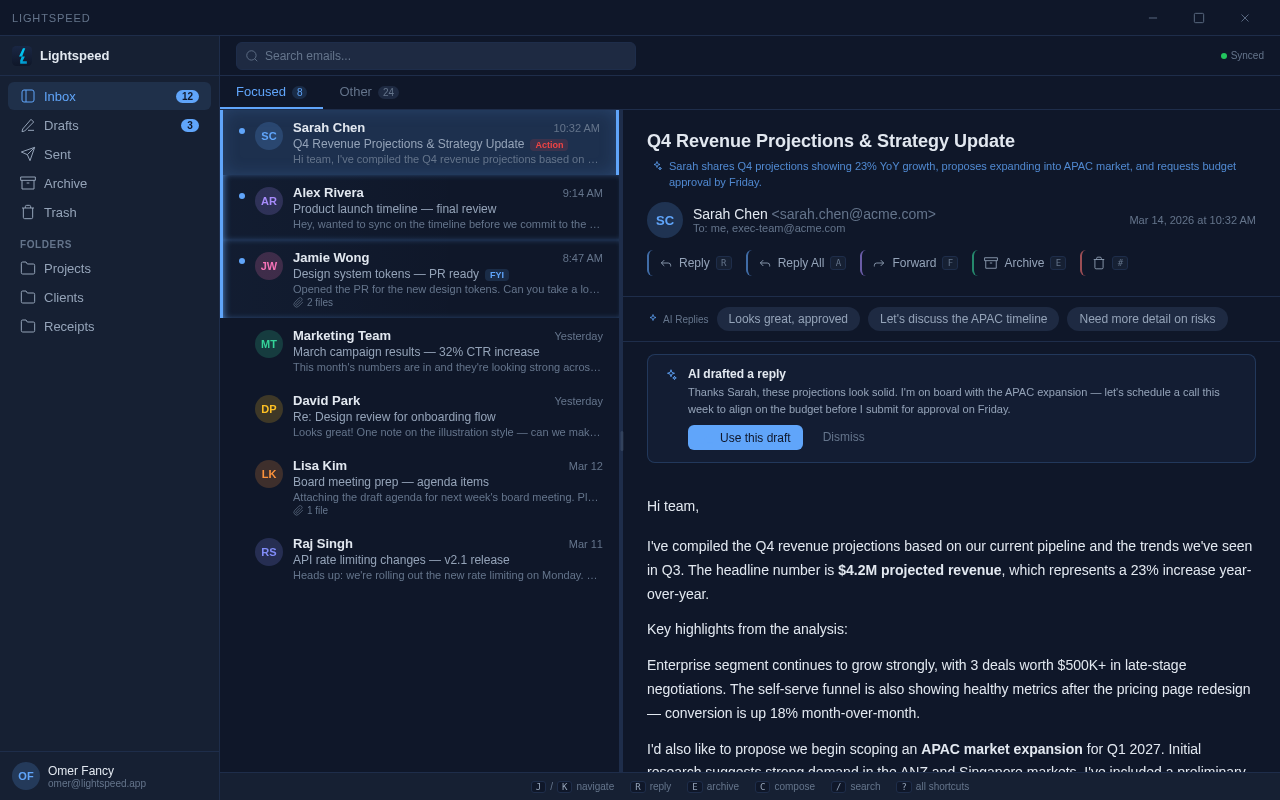
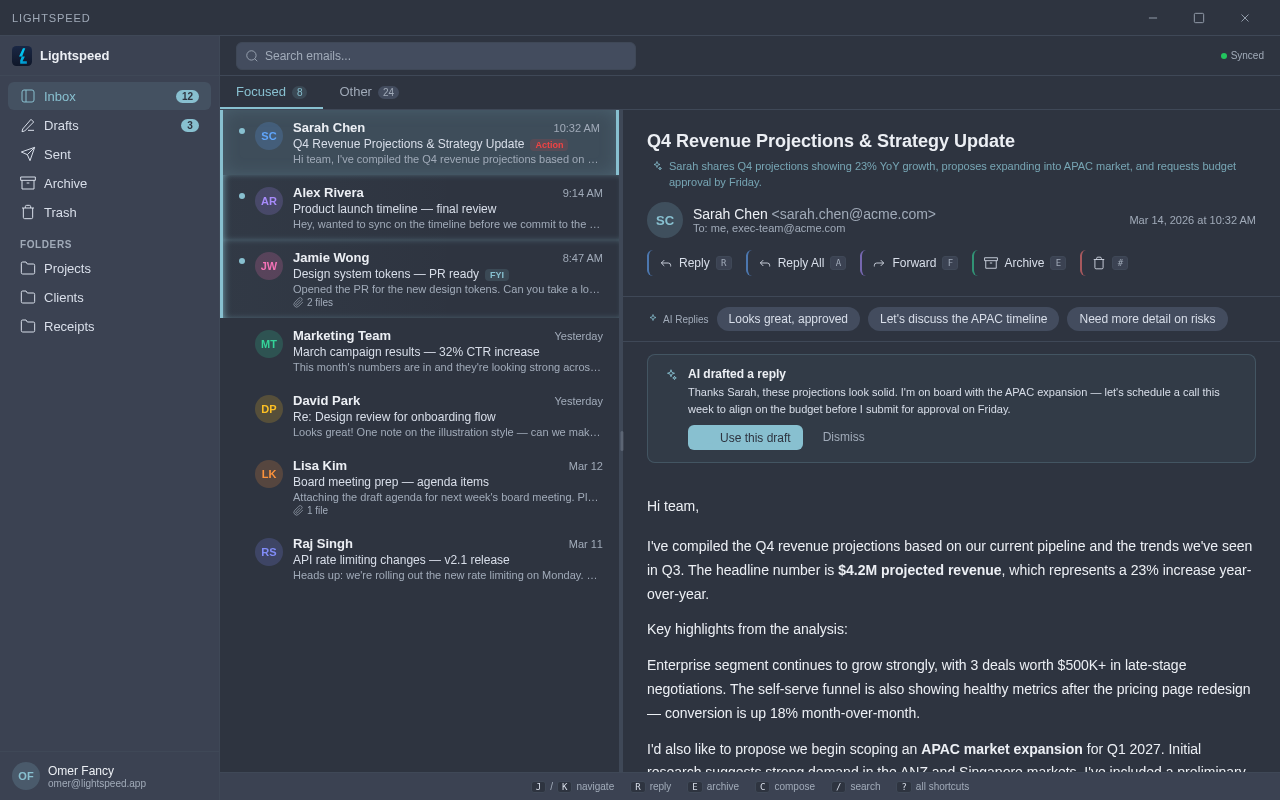
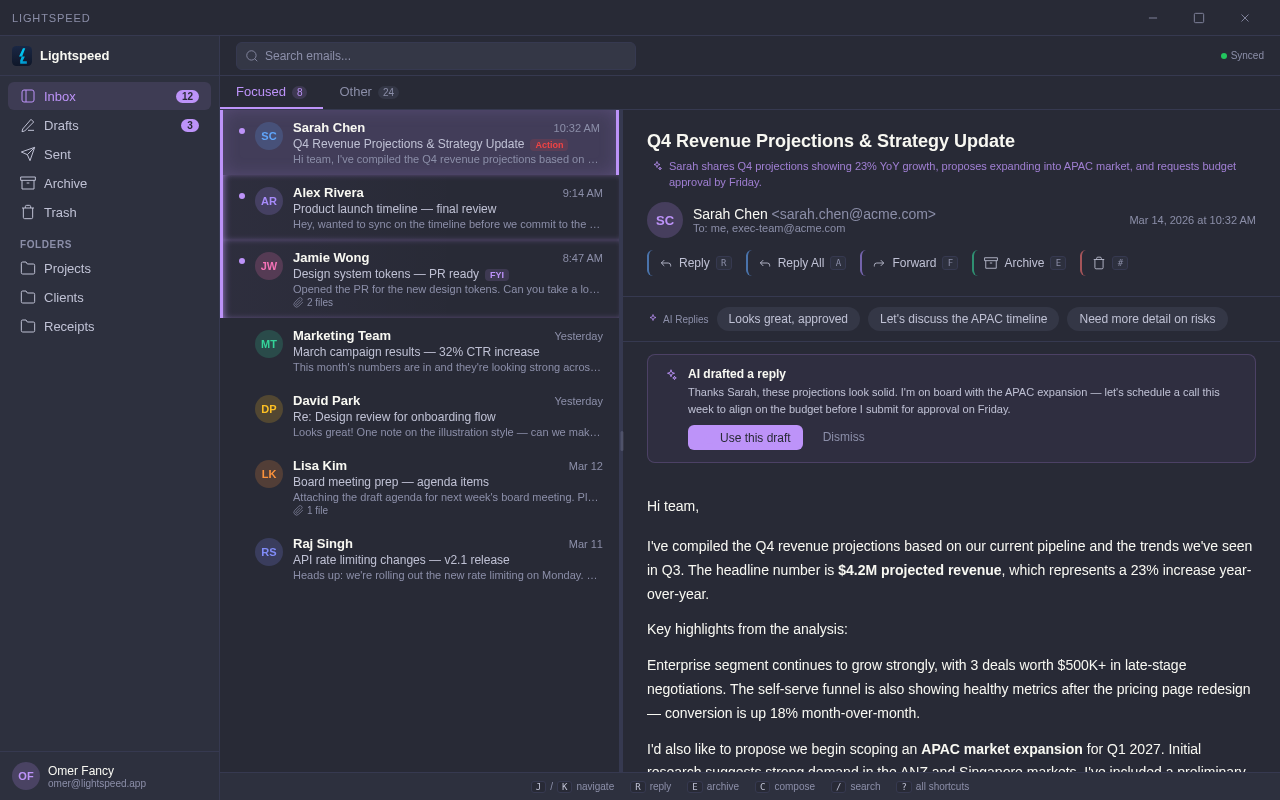
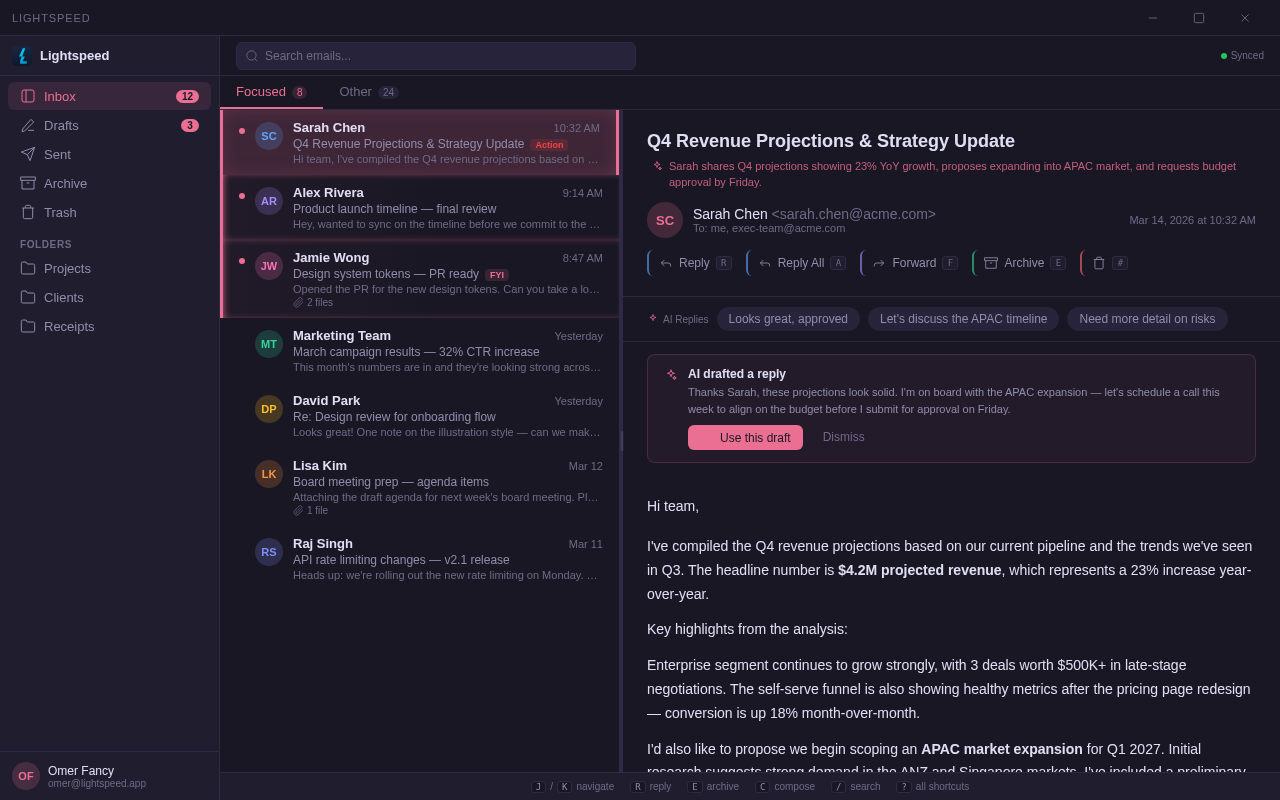
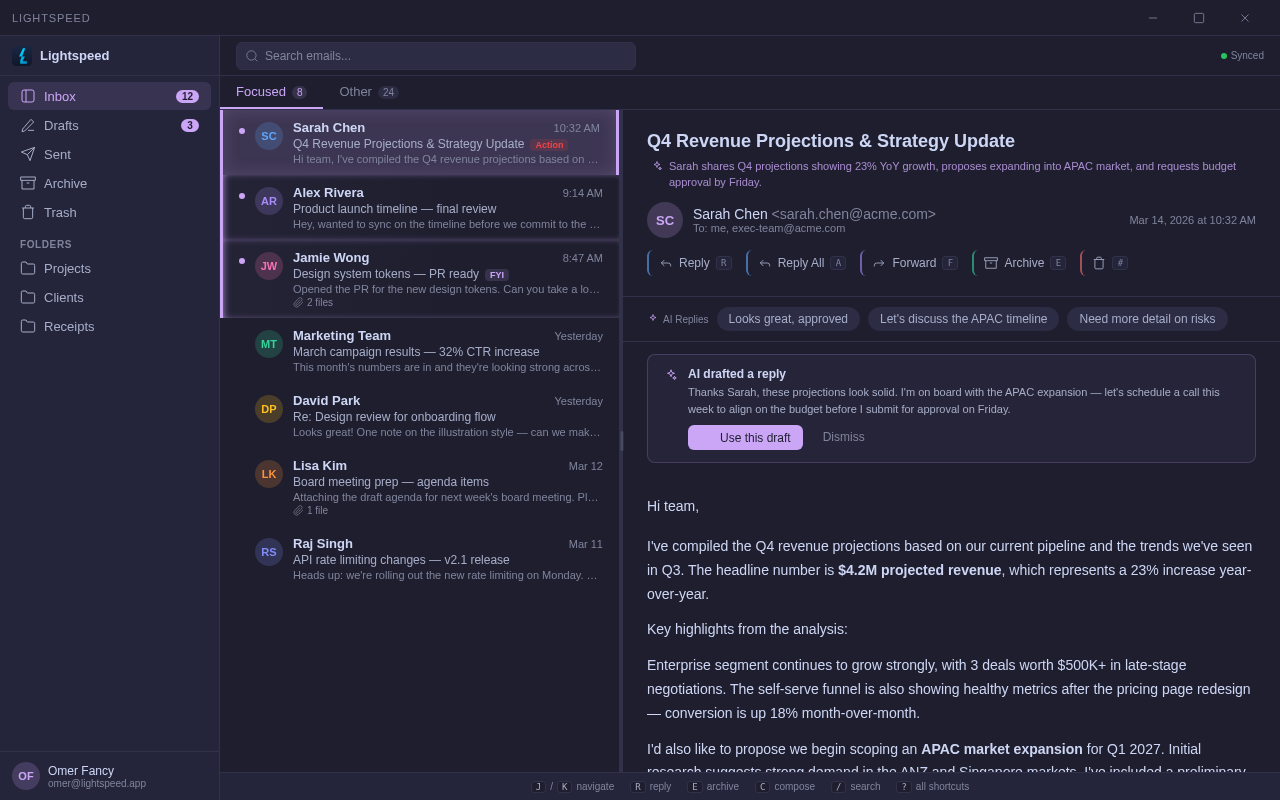
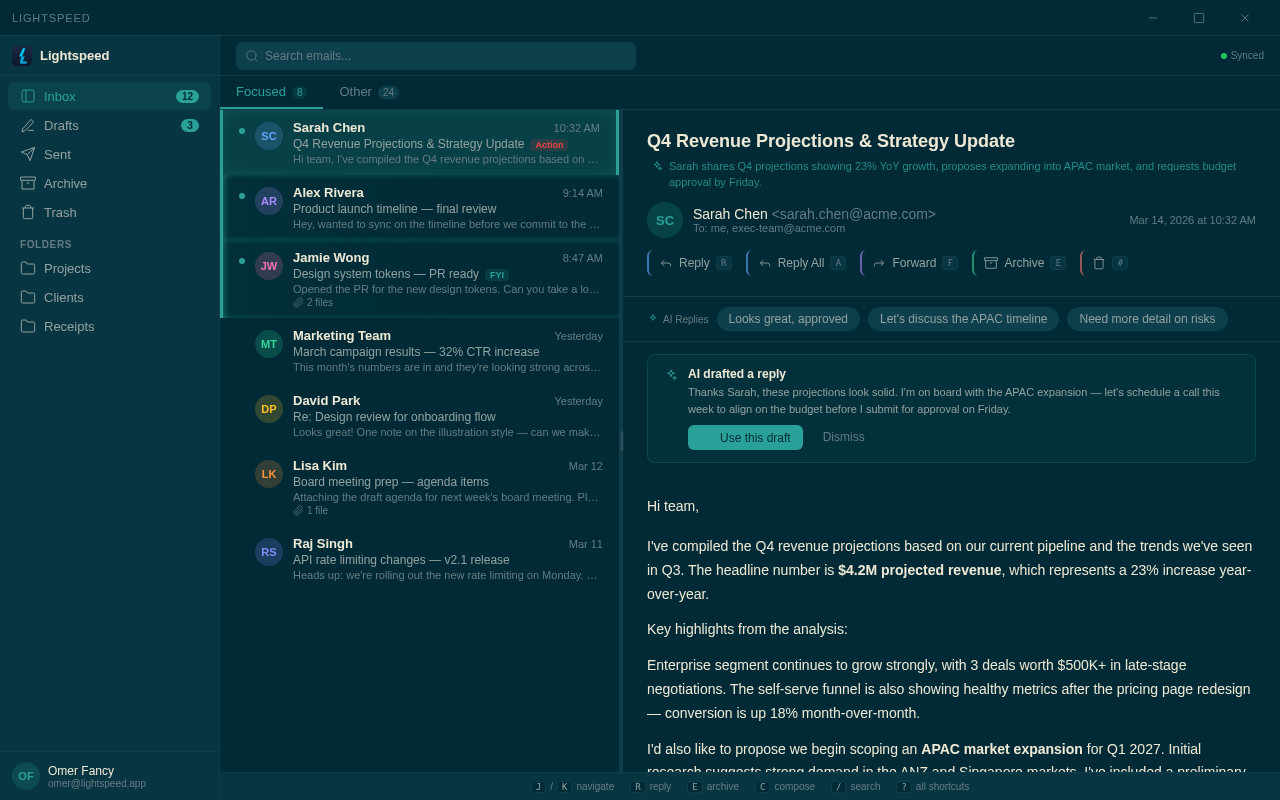
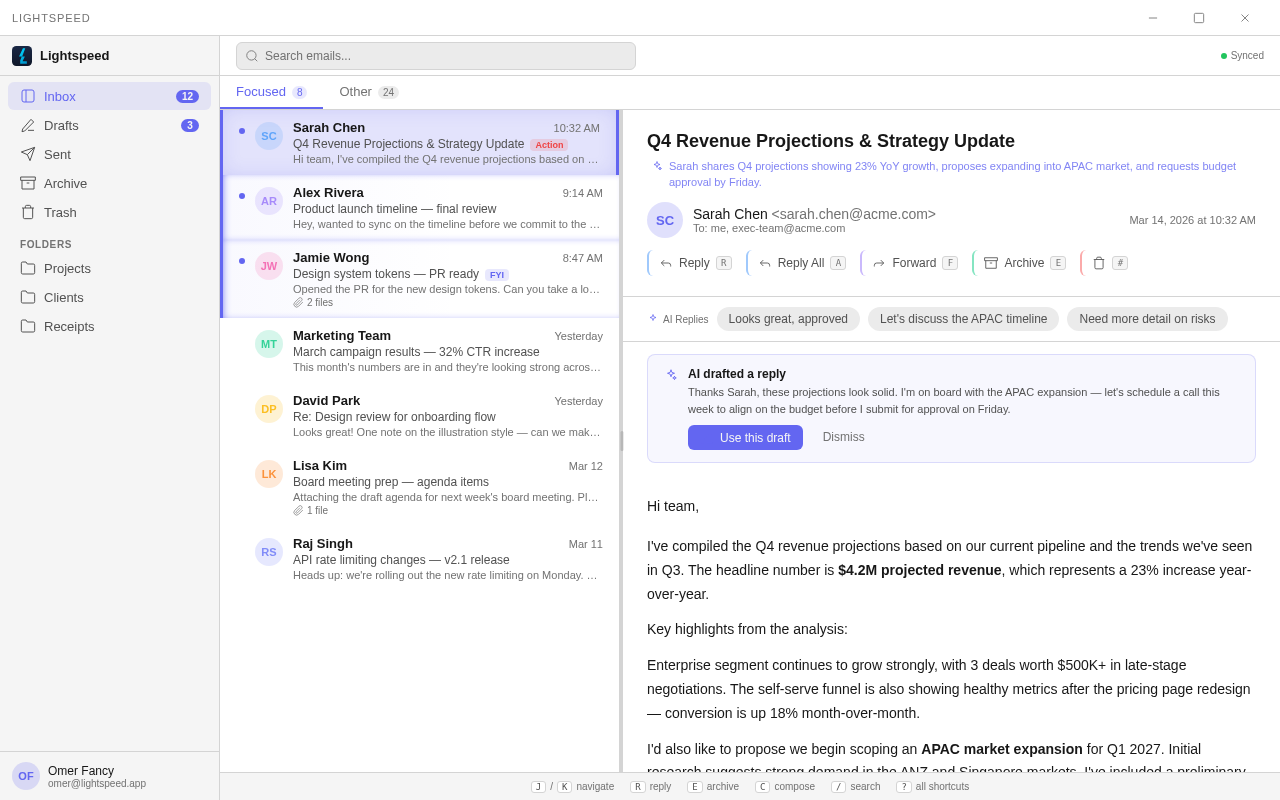
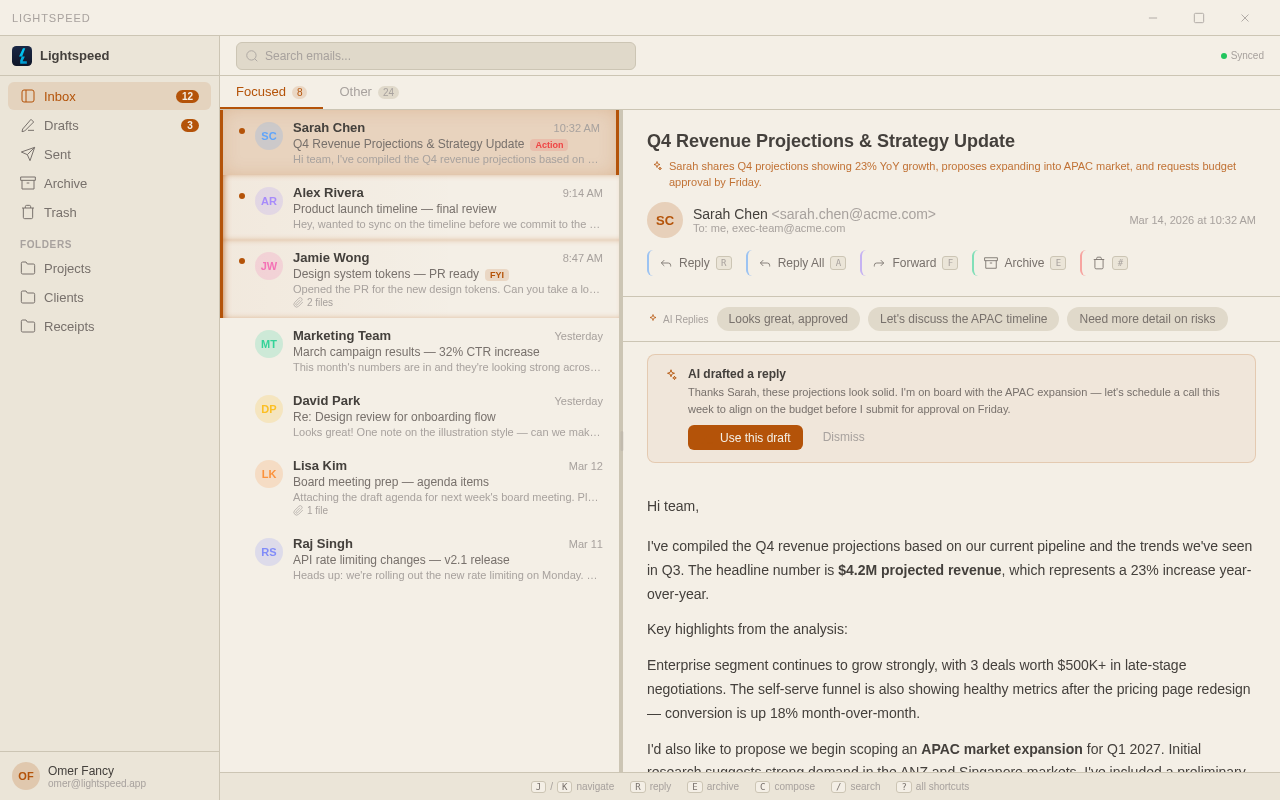
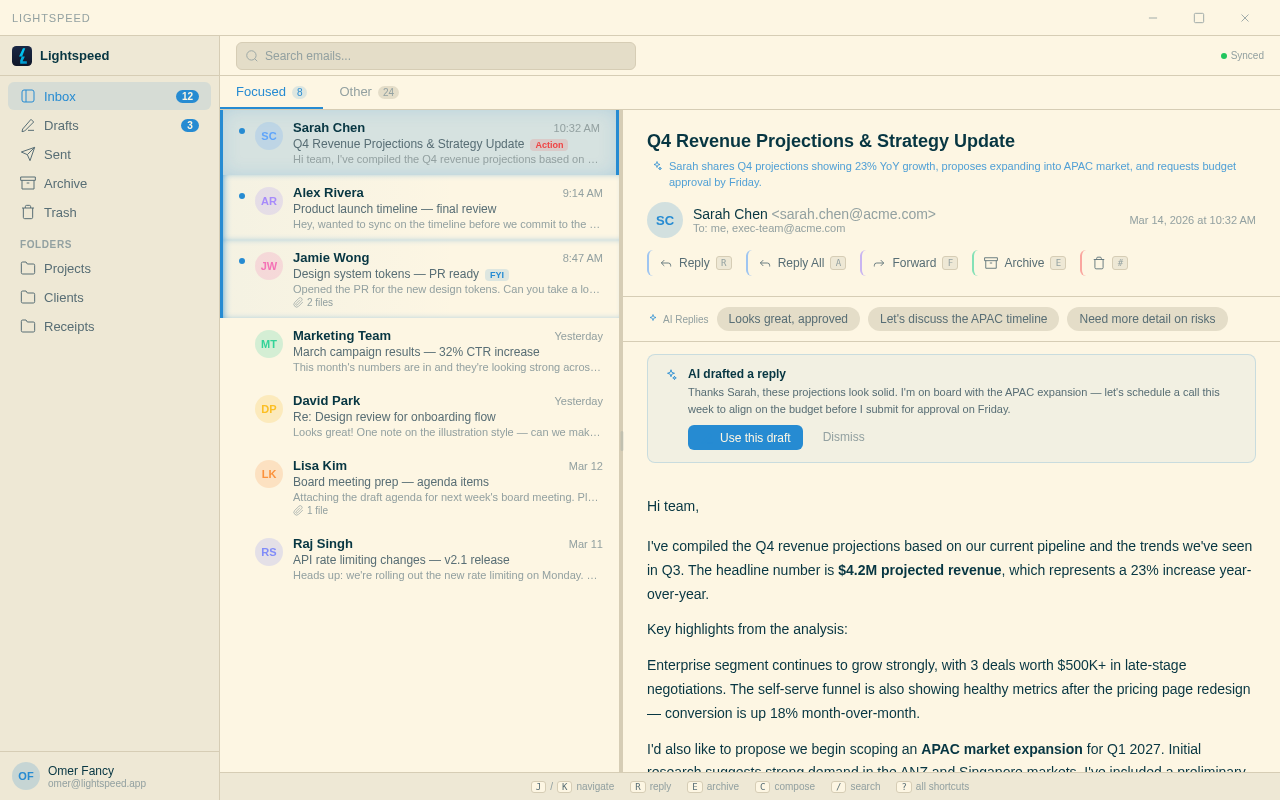
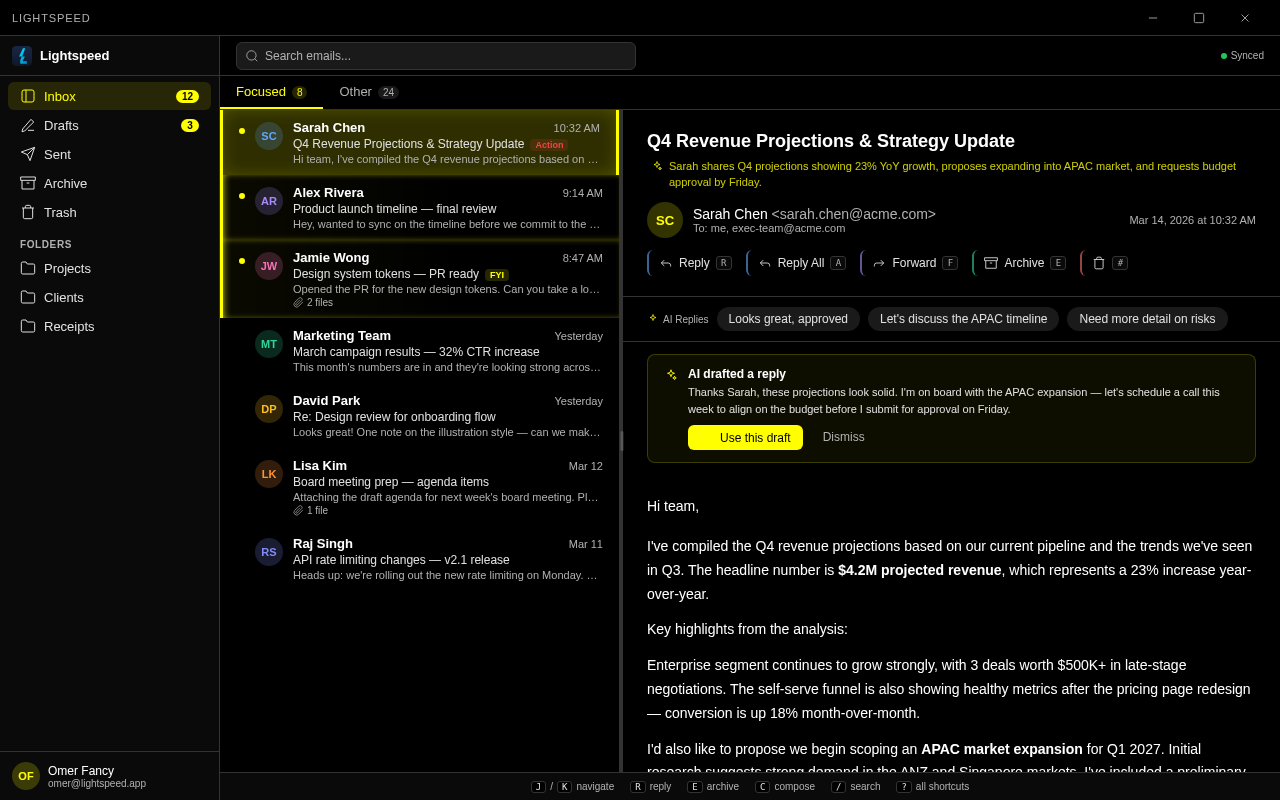
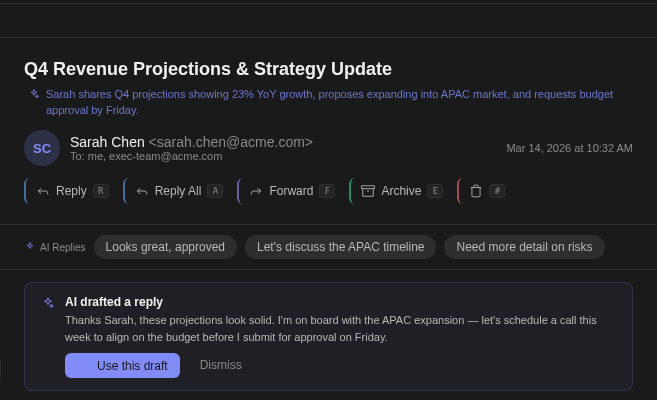
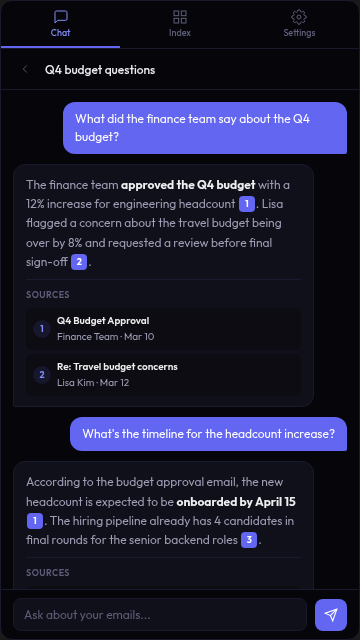
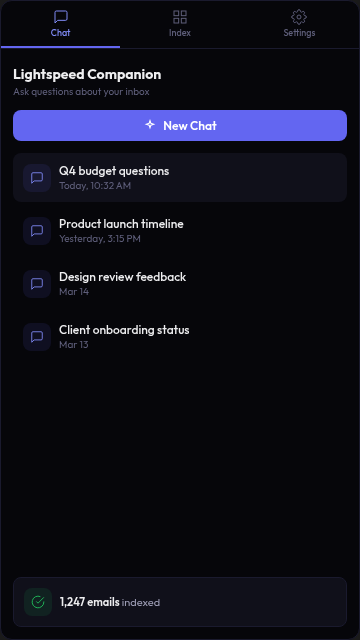
Every millisecond counts. Lightspeed eliminates friction between you and your inbox
with features designed for maximum velocity.
⚡
Instant Everything
Sub-100ms response times. Eager prefetching loads email bodies before you click. Local SQLite cache with offline support.
⌨
Keyboard First
60+ Vim-style shortcuts. J/K to browse, R to reply, E to archive. Command palette with Cmd+K. Never touch your mouse.
🔍
Blazing Search
Local-first search with instant SQLite results plus Graph API enrichment. 19 operators including from:, is:unread, in:archive, newer_than:. AI-powered semantic search and natural language queries.
🕑
Snooze & Send Later
Snooze emails with natural language. Schedule sends for optimal delivery. Undo send with a countdown.
🎨
13 Beautiful Themes
From Nord to Dracula, Catppuccin to Outlook Classic. Dark, light, and specialty themes. Premium micro-animations on every action — archive sweeps, star bounces, compose slide-ups.
🛠
Split Inbox
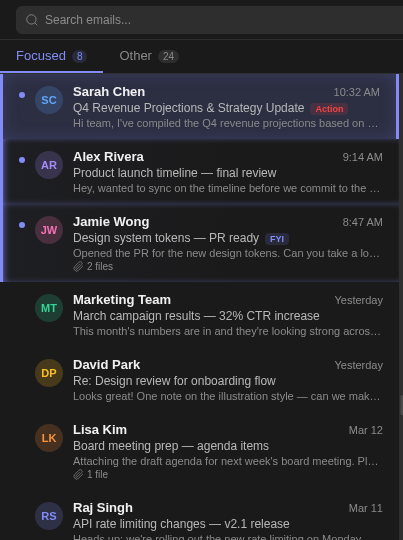
AI-powered inbox splitting. Focused and Other tabs automatically filter your mail so you see what matters first.
🎤
Voice Dictation
Offline voice input powered by Whisper AI. Dictate in the composer with zero cloud latency and total privacy.
📄
Snippets & Templates
Create reusable text snippets with variables. Type a shortcut, expand instantly. Reply to common emails in seconds.
📅
Calendar Integration
See your O365 calendar alongside email. Day and week views with event creation. Drag, click, done.
📈
Read Receipts
Know when your email was opened. Track engagement without third-party tools. Built right into the compose flow.
💬
Comments
Add comments to email threads without forwarding. Collaborate on responses without ever leaving your inbox.
📊
Activity Dashboard
Track your daily email productivity. Emails read, sent, archived, AI drafts used — all in a sleek sidebar widget.
💻
4 Layouts
Vertical split, horizontal split, wide list, or compact mode. Save layout presets and customize columns.
📂
Drag & Drop
Drag messages to sidebar folders for instant organization. Visual feedback with undo support for every action.
🌐
Sender Enrichment
Company logos, Gravatar photos, Microsoft directory photos, response time patterns, communication frequency sparklines, and relationship context — all in a rich sidebar.
☑
Tasks & Kanban
Built-in task board with kanban columns. Create tasks from emails, set due dates and priorities, and track everything in one place.
⚙
Rules Engine
Powerful email rules with complex conditions. Auto-move, label, flag, or run scripts. Import and export rules as JSON.
🔁
Sequences
Multi-step email sequences with configurable delays. Automatic follow-ups that pause when you get a reply.
🔌
Hooks & Webhooks
Event-driven automation on receive, send, move, tag, archive, or delete. Run scripts or trigger webhooks automatically.
⏩
Keyboard Macros
Chain multiple shortcuts into a single key sequence. Record macros with configurable delays between actions.
🔔
Smart Reminders
Auto-remind when emails go unanswered. Per-sender defaults, no-reply detection, and recurring reminders built in.
👥
Social Sidebar
See job title, company, and photo from Microsoft directory and contacts. Full sender context without switching apps.
📩
One-Click Unsubscribe
Detects unsubscribe links automatically. One click to unsubscribe from newsletters and marketing emails.
🧬
Thread DNA
AI extracts decisions, action items, questions, deadlines, and key facts from email threads. See question dispositions — open, answered, or partial — with timestamps.
📋
Commitment Tracker
Track obligations between you and others. “Waiting on” and “You owe” columns. Auto-resolve when follow-ups arrive. Promote to tasks with one click.
💭
Stale Thread Nudges
Detects threads that went quiet when action was expected. Gentle nudges so nothing falls through the cracks.
⚡
AI Streaming
AI chat and auto-draft responses stream in real-time — text grows as you watch with a blinking cursor. Stop mid-stream if the direction is wrong.
📱
iOS Native App
Full-featured iOS app via Capacitor. Swipe gestures with haptic feedback, pull-to-refresh, swipe-down command palette, and calendar invite actions.
🔒
Signed & Notarized
macOS builds are code-signed with Apple Developer ID and notarized. No Gatekeeper warnings, no quarantine flags. Windows signing coming soon.
🔧
Reply Context Hints
When composing a reply, see your last interaction, open commitments, and related threads with this person — right above the editor.